OpenSSL Jostle
Author: Shubham Kumar
Published: November 08, 2025
OpenSSL Jostle is a Java provider that wraps OpenSSL native library features into a standard Java JCA/JCE Provider. This guide covers the deployment process on a Linux system.
Note: This documentation is a replica of the README available at the github/ngkore/jostle. Please refer to the original repository for the most up-to-date information.
Prerequisites
The deployment requires Java 25 to build, though the final jar supports Java 1.8 to Java 25. You will also need CMake version 3.31 or higher.
Deployment Steps
1. System Preparation
Update system packages and install build dependencies:
sudo apt update && sudo apt upgrade
sudo apt install -y build-essential checkinstall zlib1g-dev libssl-dev
sudo apt install -y perl-modules perl-doc
2. Build OpenSSL Library 3.5+
OpenSSL Library 3.5+ source bundle can be downloaded from OpenSSL Downloads.
wget https://github.com/openssl/openssl/releases/download/openssl-3.6.0/openssl-3.6.0.tar.gz
tar -xzf openssl-3.6.0.tar.gz
cd openssl-3.6.0/
Configure and build OpenSSL with a local prefix:
## installing it to a local directory, openssl_3_6 instead of system-wide installation
./Configure --prefix=`pwd`/../openssl_3_6
make clean
make -j$(nproc)
make install_sw
Set the OPENSSL_PREFIX environment variable:
cd ../openssl_3_6/
export OPENSSL_PREFIX=`pwd`
echo "${OPENSSL_PREFIX}"
cd ..
3. Install OpenJDK Java 25
Download the OpenJDK Java 25 download page.
wget https://download.java.net/java/GA/jdk25.0.1/2fbf10d8c78e40bd87641c434705079d/8/GPL/openjdk-25.0.1_linux-x64_bin.tar.gz

# Create directory for Java installation
sudo mkdir -p /opt/java

# Extract the tar.gz file to /opt/java
sudo tar -xzf openjdk-25.0.1_linux-x64_bin.tar.gz -C /opt/java

# Rename for easier access (optional)
sudo mv /opt/java/jdk-25.0.1 /opt/java/jdk-25
Set Environment Variables
Configure JAVA_HOME and PATH variables for your system:
# Edit your bash profile
vim ~/.bashrc

# Add these lines at the end of the file:
export JAVA_HOME=/opt/java/jdk-25
export PATH=$PATH:$JAVA_HOME/bin

# Apply the changes
source ~/.bashrc
Check that Java 25 is installed correctly:
java --version
javac --version
echo $JAVA_HOME

For system-wide installation (all users), edit /etc/environment:
sudo vim /etc/environment

# Add this line:
JAVA_HOME="/opt/java/jdk-25"
PATH="/usr/local/sbin:/usr/local/bin:/usr/sbin:/usr/bin:/sbin:/bin:/opt/java/jdk-25/bin"
4. Install CMake
Download and install CMake 4.1.2 (or any version >= 3.31 will work), see https://github.com/Kitware/CMake/releases/:
wget https://github.com/Kitware/CMake/releases/download/v4.1.2/cmake-4.1.2-linux-x86_64.tar.gz
tar -xzf cmake-4.1.2-linux-x86_64.tar.gz
sudo cp -r cmake-4.1.2-linux-x86_64 /opt/cmake
sudo ln -s /opt/cmake/bin/cmake /usr/local/bin/cmake
cmake --version

5. Build OpenSSL JOSTLE
Clone the repository:
git clone https://github.com/openssl-projects/openssl-jostle.git
cd openssl-jostle/
Generate Java headers:
./gradlew clean compileJava
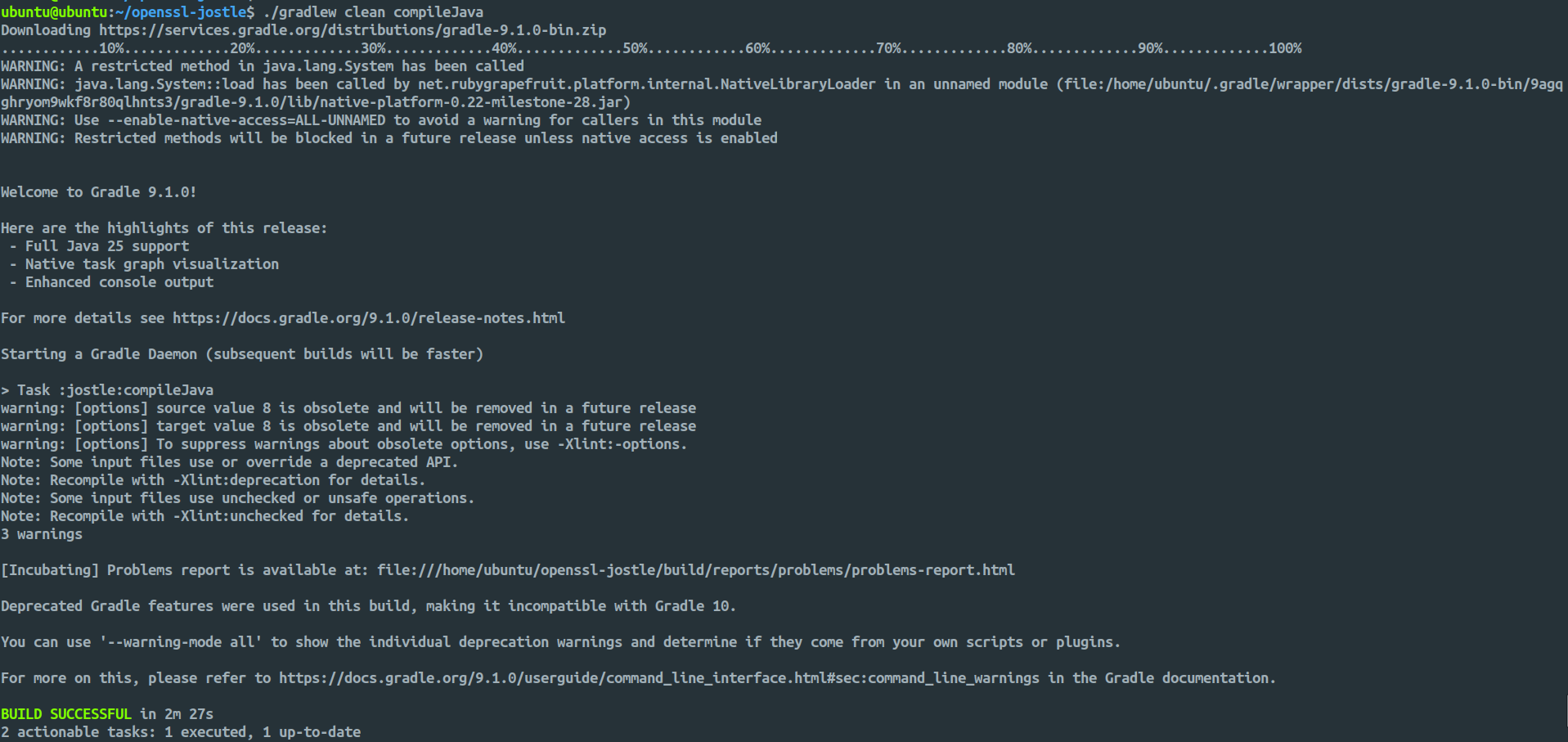
Enable operations testing support (optional):
export JOSTLE_OPS_TEST=true

# To unset
unset JOSTLE_OPS_TEST
Build the interface libraries:
./interface/build.sh
The command will compile the C/C++ interface layer that bridges Java and OpenSSL. This script uses CMAKE and the previously set OPENSSL_PREFIX to find OpenSSL libraries. It generates both JNI (Java Native Interface) and FFI (Foreign Function Interface) bindings. The compiled libraries are automatically copied to jostle/src/main/resources/native/.
Build the final jar:
./gradlew clean build

## To skip tests during build
./gradlew clean build -x test
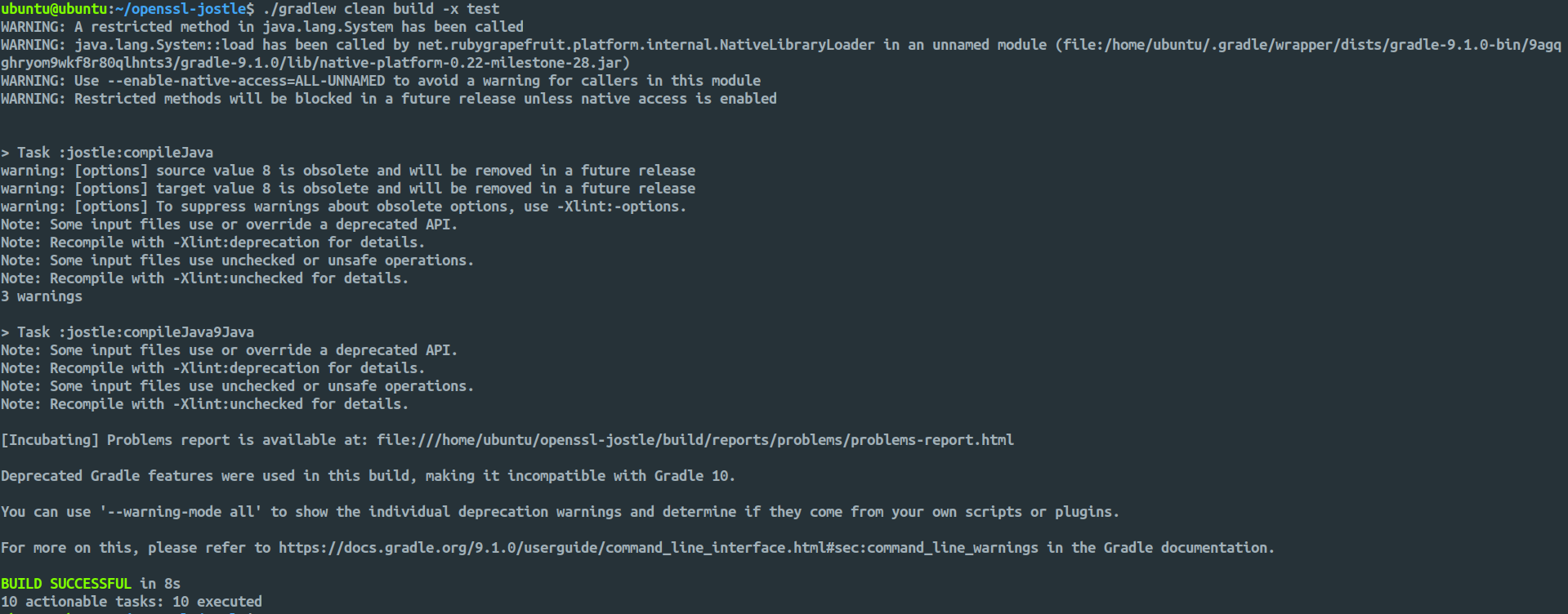
Complete build output (without skipping tests) can be found in gradle-build.log.
6. Verify Installation
Run the DumpInfo utility to verify successful deployment:
java --module-path jostle/build/libs/openssl-jostle-1.0-SNAPSHOT.jar \
--enable-native-access=org.openssl.jostle.prov \
--module org.openssl.jostle.prov/org.openssl.jostle.util.DumpInfo
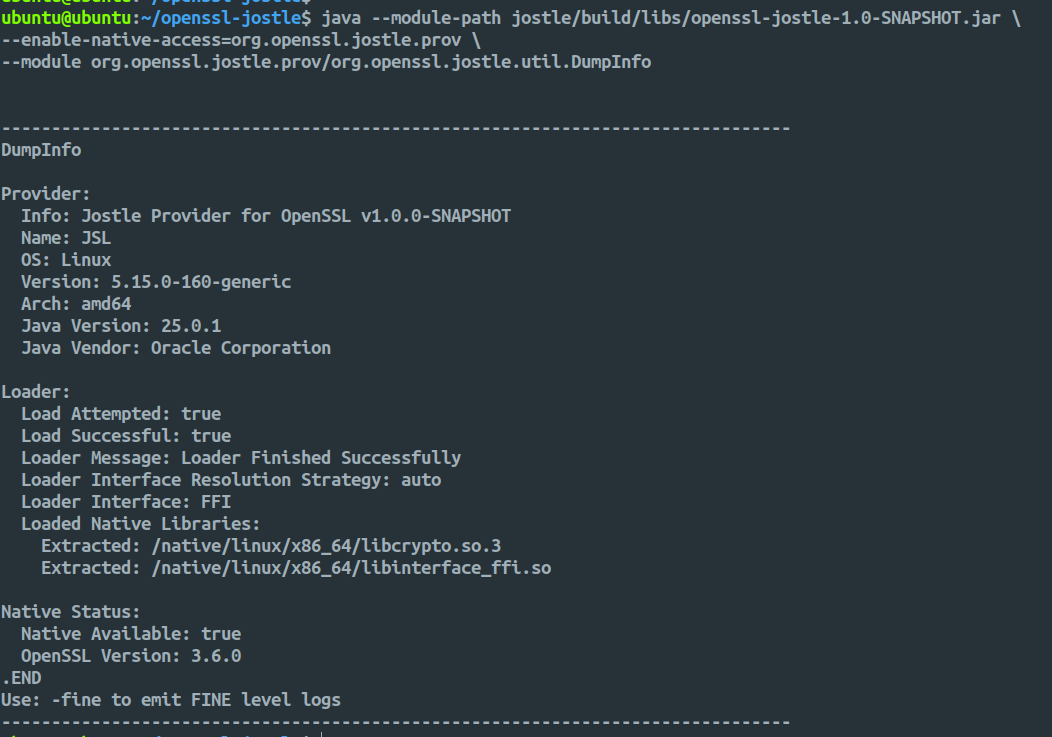
Build Output
The compiled jar file will be located at:
openssl-jostle/jostle/build/libs/openssl-jostle-1.0-SNAPSHOT.jar
Interface Selection
JOSTLE defaults to FFI interface when available. To force JNI interface:
java -Dorg.openssl.jostle.loader.interface=JNI \
--module-path jostle/build/libs/openssl-jostle-1.0-SNAPSHOT.jar \
--enable-native-access=org.openssl.jostle.prov \
--module org.openssl.jostle.prov/org.openssl.jostle.util.DumpInfo
Interface Options:
Option |
Description |
|---|---|
|
Automatically detect and use FFI if available, otherwise JNI |
|
Force FFI interface only |
|
Force JNI interface only |
|
Do not extract interface libraries (for custom configurations) |